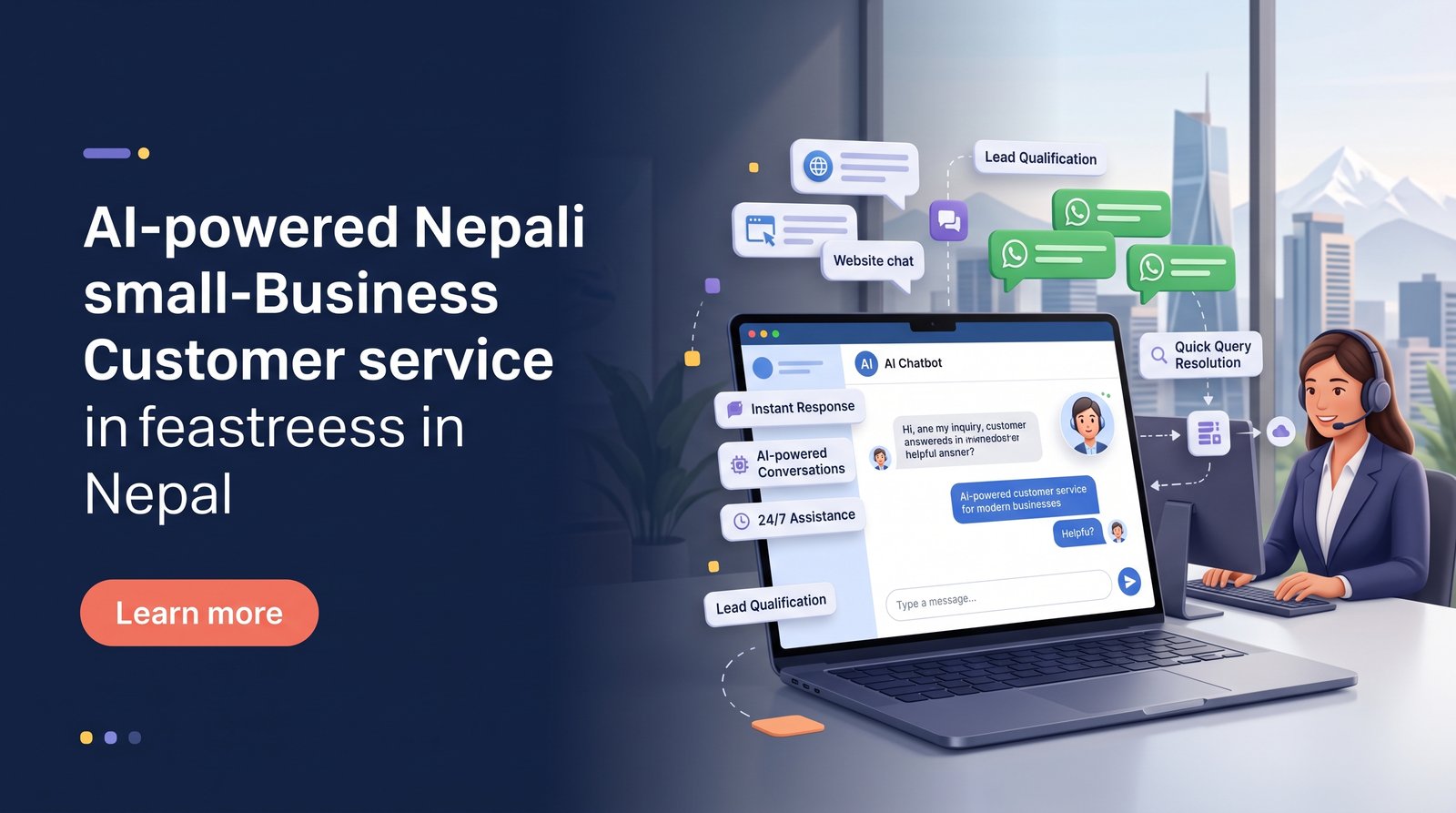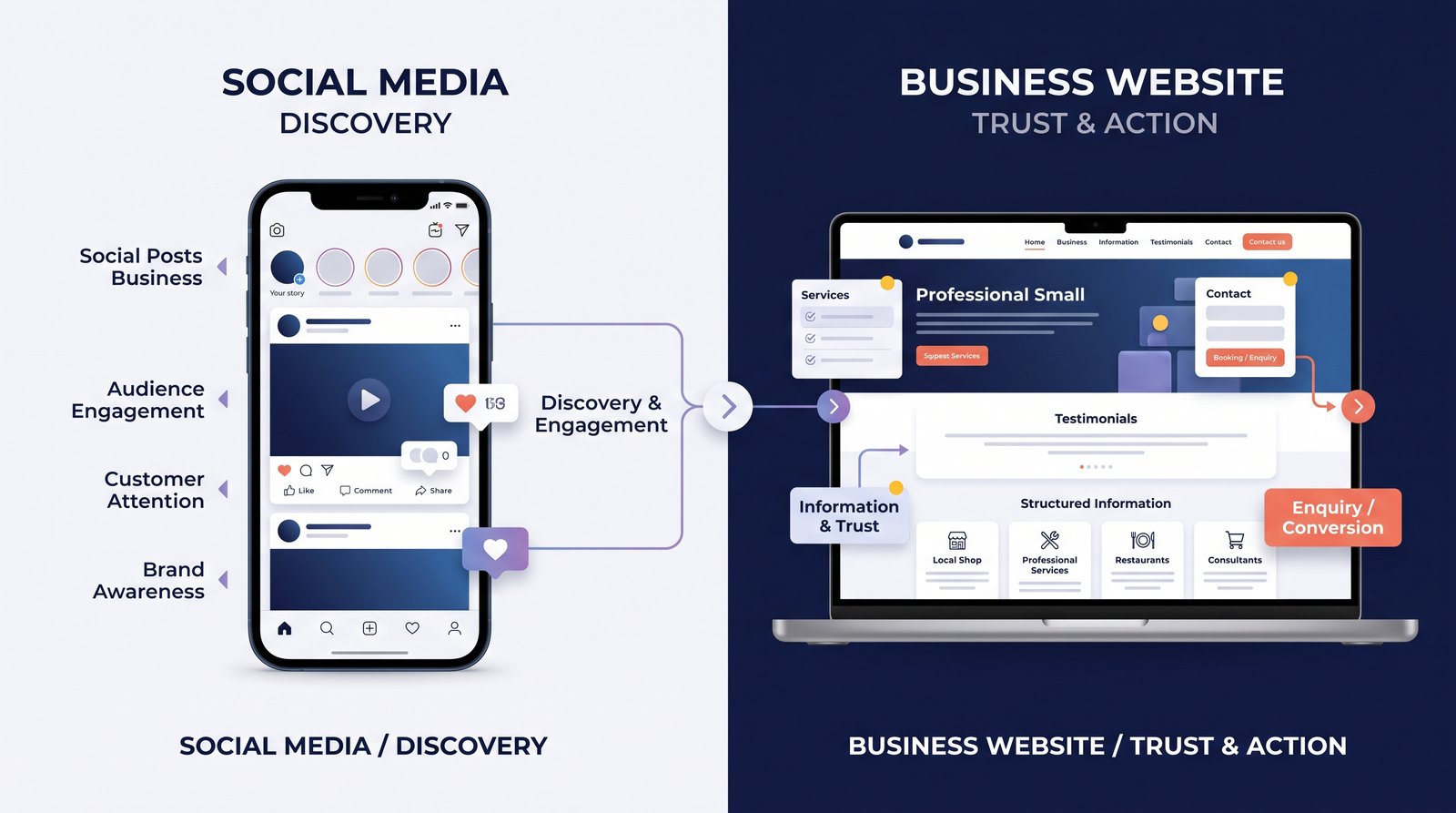
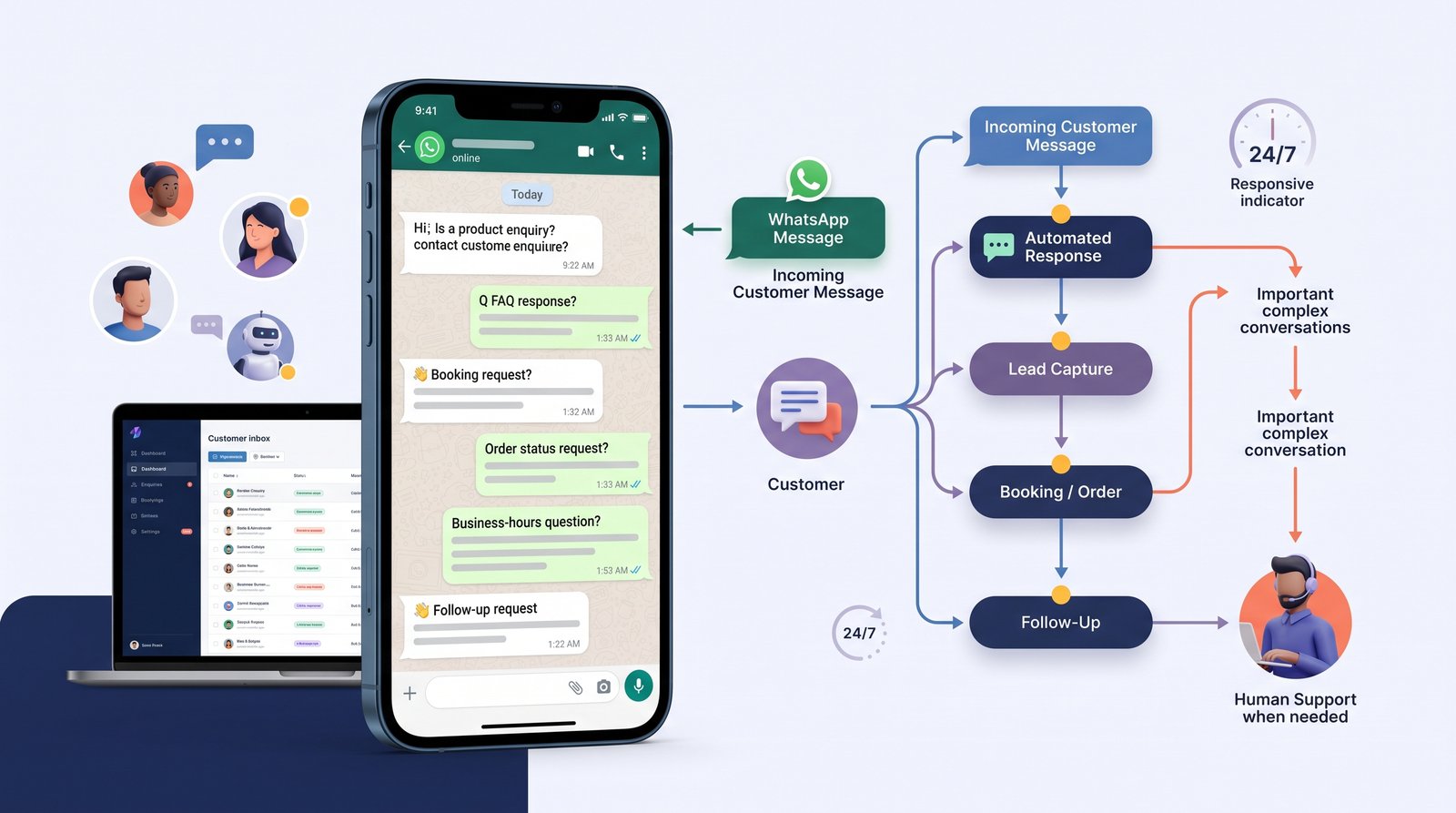
For many small businesses, WhatsApp has become more than a messaging app. It is often where customers ask questions, request prices, confirm appointments, check orders, and follow up after seeing an advertisement.
That creates an opportunity, but it can also create a problem.
When enquiries increase, manually answering every message can take a significant amount of time. Messages may be missed, responses may be delayed, and customers may have to repeat the same questions again and again.
WhatsApp automation can help businesses organize these conversations and handle routine enquiries more efficiently.
The goal is not to replace human communication. It is to make the first part of the customer journey faster and more organized.
What Is WhatsApp Automation?
WhatsApp automation uses software and connected workflows to perform predefined actions through WhatsApp.
- Depending on the setup, automation can help with:
Frequently Asked Questions
The business then has more context before a team member takes over.
3. Order and Booking Requests
Businesses that receive orders or bookings through WhatsApp can use automation to guide customers through a structured process.
For example:
Choose a service
↓
Select a date
↓
Provide contact details
↓
Confirm request
↓
Send confirmation
The exact process depends on the business, but automation can make repetitive workflows more consistent.
4. Customer Follow-Ups
Follow-up is often where businesses lose opportunities.
Someone may enquire about a service today but not make a decision immediately.
A properly configured workflow can help businesses follow up according to their own process, rather than relying entirely on someone remembering to send another message.
Any promotional or outbound messaging should still follow applicable platform rules and customer-consent requirements.
5. Notifications
WhatsApp can also be useful for transactional notifications.
Depending on the business and its implementation, customers might receive updates about:
Appointment confirmations
Order status
Delivery progress
Service reminders
Booking updates
This can reduce the need for customers to repeatedly ask for the latest information.
Automation Does Not Mean Every Conversation Should Be Automatic
One of the biggest mistakes businesses make is trying to automate everything.
Imagine a customer has a complicated complaint and receives the same automated response several times.
That does not create a better experience.
A better system knows when automation should stop.
For example:
Simple question → automated response
Lead enquiry → automated qualification
Complex issue → human team member
This combination usually creates a better experience than forcing every customer through a rigid chatbot.
AI and WhatsApp Automation Can Work Together
Traditional automation generally follows predefined rules.
AI can add another layer by helping a system understand natural-language messages.
For example, these questions:
"Do you deliver around Baneshwor?"
"Can you send something to Baneshwor?"
"Is Baneshwor inside your delivery area?"
may represent a similar customer intent.
An AI-enabled system can potentially recognize that intent and provide a relevant answer.
However, businesses should not rely on AI without controls. Important information such as prices, policies, schedules, availability, and commitments should come from trusted business data.
WhatsApp Automation for Different Types of Businesses
Restaurants
Automation can help with menu questions, delivery areas, ordering information, and booking requests.
Education and Training
Students can receive information about courses, schedules, fees, and registration procedures.
Healthcare
Depending on the appropriate system and privacy requirements, businesses can use messaging for appointment enquiries, reminders, and general administrative communication.
Sensitive matters should be handled carefully and escalated appropriately.
Real Estate
Potential buyers or tenants can provide their preferred property type, location, budget, and other basic requirements before speaking with an agent.
Professional Services
Consultants, agencies, and other service providers can use automated qualification to understand what a prospective customer needs before scheduling a conversation.
E-commerce
Automation can assist with order-related questions, delivery updates, product information, and customer support.
A useful system should be:
Clear
Customers should understand what the system can help with.
Fast
Simple questions should not require unnecessary waiting.
Human-Friendly
Customers should be able to reach a person when the situation requires it.
Accurate
Automated responses should reflect current business information.
Easy to Maintain
Businesses should be able to update information without rebuilding the entire system.
Common WhatsApp Automation Mistakes
Making the Conversation Too Complicated
If customers must click through ten menus to ask a simple question, automation creates friction instead of reducing it.
Hiding the Human Option
People should not feel trapped inside a bot.
A clear option to speak with the team is important.
Using Outdated Information
An automated system that provides old prices, old opening hours, or unavailable services can quickly damage trust.
Sending Too Many Messages
Automation should make communication more useful, not turn into a stream of unwanted notifications.
Focusing on Technology Instead of the Customer
A technically impressive automation system is not necessarily a good customer experience.
The workflow should be designed around what customers actually need.
How to Start With WhatsApp Automation
Businesses do not need to automate everything on day one.
A practical starting point is:
Step 1: Identify repetitive questions
Find the questions your team answers repeatedly.
Step 2: Choose one or two workflows
For example, FAQs and lead capture.
Step 3: Define the human handoff
Decide when a conversation should move to a team member.
Step 4: Connect the required systems
This might include a CRM, spreadsheet, booking system, website, or internal workflow tool.
Step 5: Test the experience
Use real scenarios to see where customers get stuck.
Step 6: Improve over time
Review conversations and update the automation based on actual customer needs.
Frequently Asked Questions
Yes. It can be particularly useful when a business receives repetitive questions, bookings, orders, or lead enquiries through WhatsApp.
Yes. A properly configured workflow can ask customers for relevant information and pass those details to the business team or connected system.
Yes. A well-designed system should provide a clear handoff when automation is no longer appropriate.
Yes. AI can help interpret natural-language messages and support more conversational interactions, provided the system has appropriate business data and safeguards.
No. Small businesses can start with simple workflows and expand them as their needs grow.
Final Thoughts
WhatsApp automation can help small businesses respond faster, reduce repetitive work, and organize customer conversations more effectively.
The best systems do not try to replace every human interaction. They handle predictable tasks efficiently while giving customers an easy path to a real person when they need one.
For a business already receiving a steady stream of WhatsApp enquiries, starting with a few practical workflows can be a useful way to improve customer communication without making the experience unnecessarily complicated.