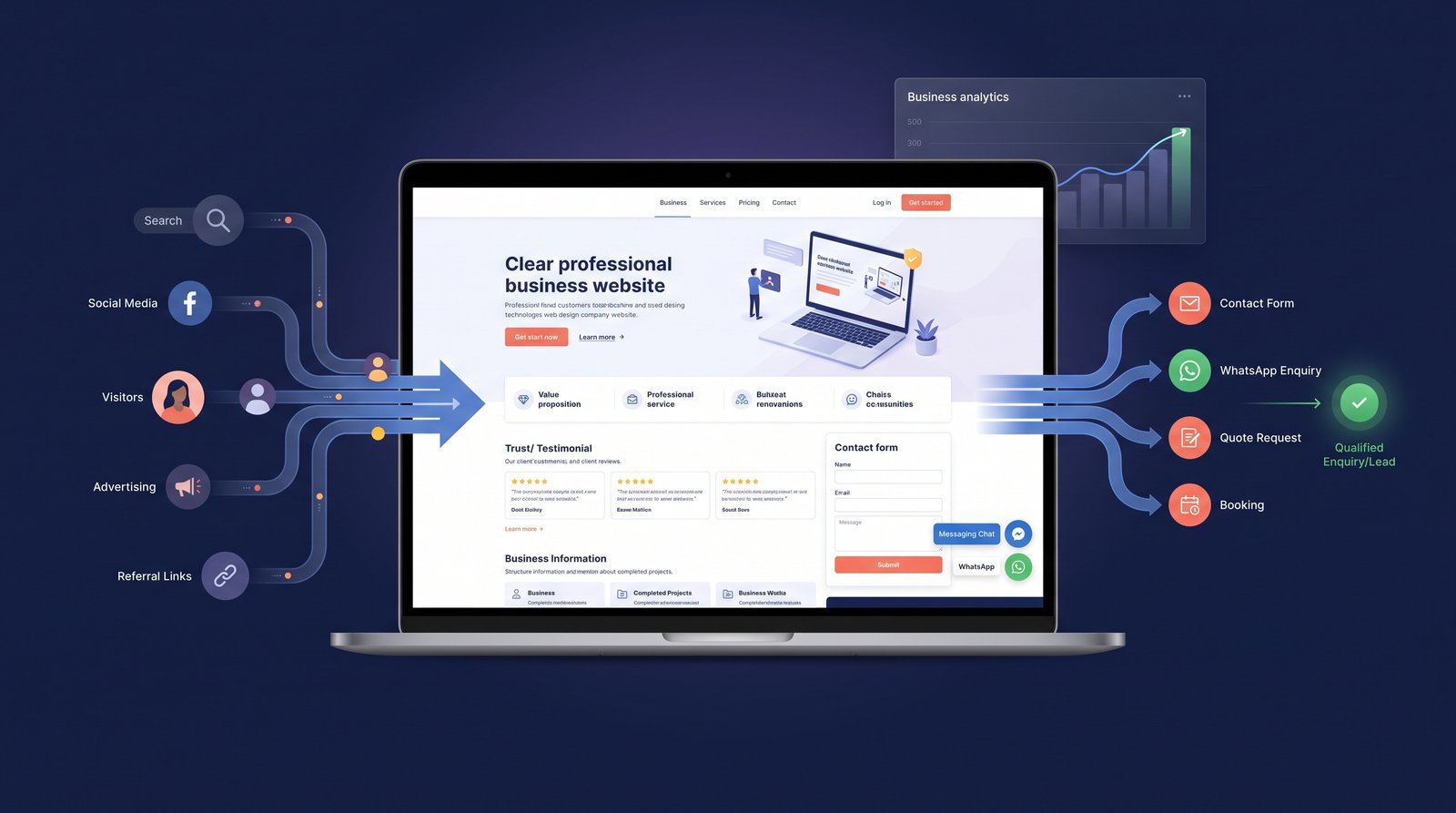
A business website should do more than tell people that your company exists.
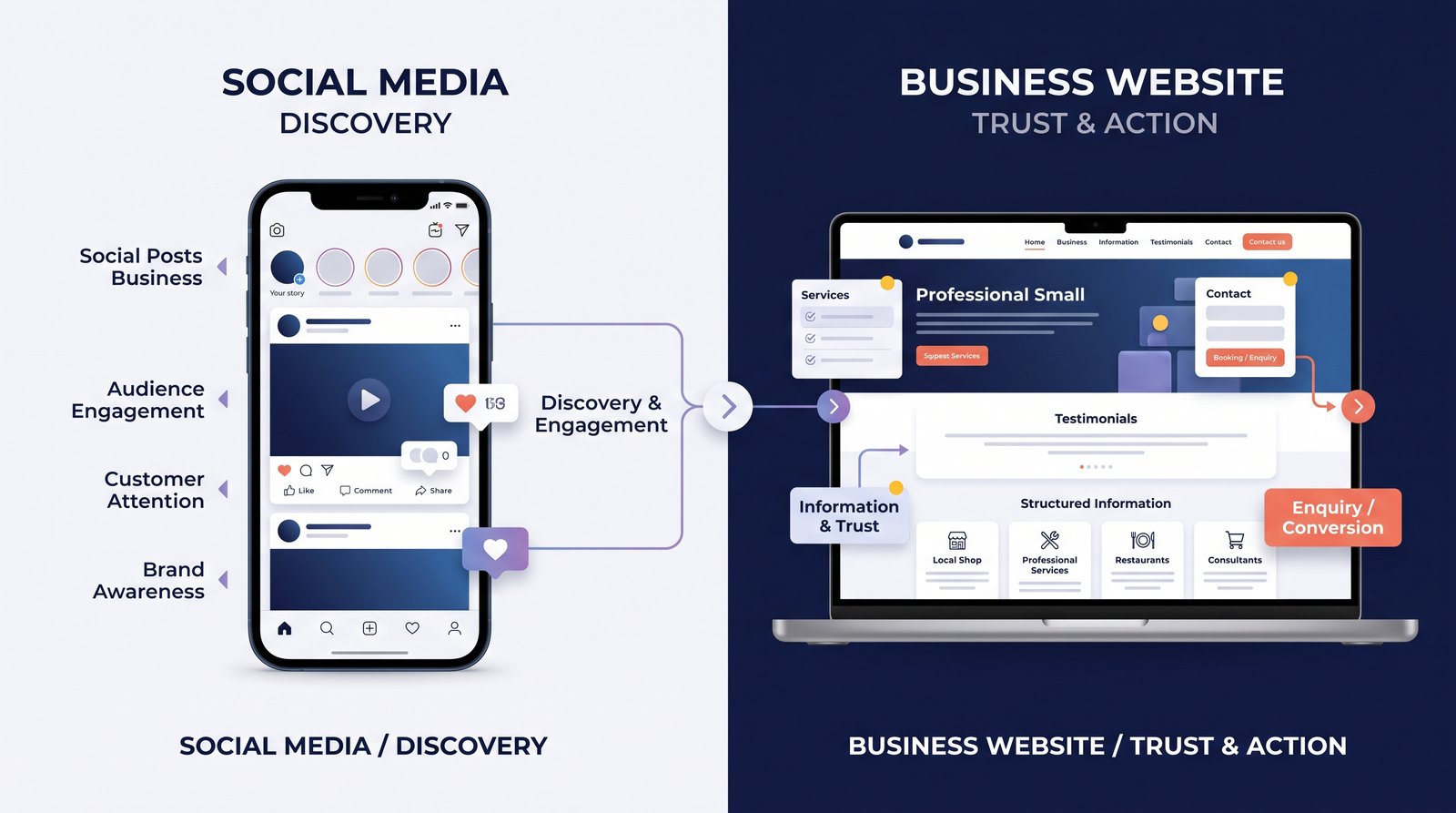
For many businesses, the website is one of the first places a potential customer goes before making contact. They may arrive after searching on Google, clicking a social media post, viewing an advertisement, or receiving a recommendation.
The important question is what happens next.
Does the visitor quickly understand what you offer? Can they see why your business is relevant to them? Is it easy to contact you?
A website that answers these questions clearly can become an important part of a lead-generation strategy.
What Is a Website Lead?
A lead is a person or business that shows some level of interest in what you offer and provides a way for you to continue the conversation.
- A website lead might:
- Fill out a contact form
- Request a quotation
- Book an appointment
- Start a WhatsApp conversation
- Call the business
- Register for a service
- Request more information
The exact action depends on the type of business.
A good website makes that next step obvious.
- Make Your Value Proposition Clear
Visitors should not have to guess what your company does.
- Your homepage should quickly communicate:
What do you offer?
Who is it for?
What problem do you solve?
What should the visitor do next?
- For example, a generic headline such as:
- “Welcome to Our Company”
does not give a visitor much useful information.
A more specific headline can immediately communicate the business's purpose.
The goal is clarity, not clever wording.
- Use Strong Calls to Action
A call to action tells the visitor what to do next.
- Examples include:
- Get a Quote
- Book a Consultation
- Request a Callback
- Contact Our Team
- Start a Project
- Chat on WhatsApp
The best CTA depends on the customer's stage in the buying process.
Someone who is still researching may prefer Learn More, while someone ready to discuss a project may respond better to Request a Quote.
- Put Contact Options Where People Can Find Them
A visitor should not have to search through several pages to find a way to contact your business.
- Useful contact options can include:
- Phone
- Contact form
- Booking link
- Physical location
Important actions can also be repeated in appropriate places throughout the website.
For example, a service page can have a CTA at the end rather than forcing visitors to return to the contact page.
- Create Dedicated Service Pages
A single page listing ten services may not be enough to answer a potential customer's questions.
- Dedicated service pages can explain:
What the service includes
- Who it is for
How the process works
- Common questions
- Expected outcomes
How to get started
This also creates useful destinations for search traffic and advertising campaigns.
Instead of sending every visitor to the homepage, you can direct them to a page specifically related to what they were looking for.
- Build Trust Before Asking for the Sale
People may hesitate to contact a company they do not know.
Trust signals can help reduce that hesitation.
- Depending on the business, useful trust elements include:
- Client testimonials
- Reviews
- Case studies
- Certifications
- Portfolio examples
- Team information
- Clear business details
- Relevant experience
These elements should be genuine and easy to understand.
A testimonial is more useful when visitors can see who provided it and what the business actually helped them with.
- Keep Forms Simple
Long forms can discourage people from completing them.
Ask for information that is actually necessary.
- For example, a basic enquiry form might only require:
- Name
- Phone or email
What do you need help with?
Additional information can be collected later if necessary.
The exact form length should depend on the type of lead you are trying to qualify.
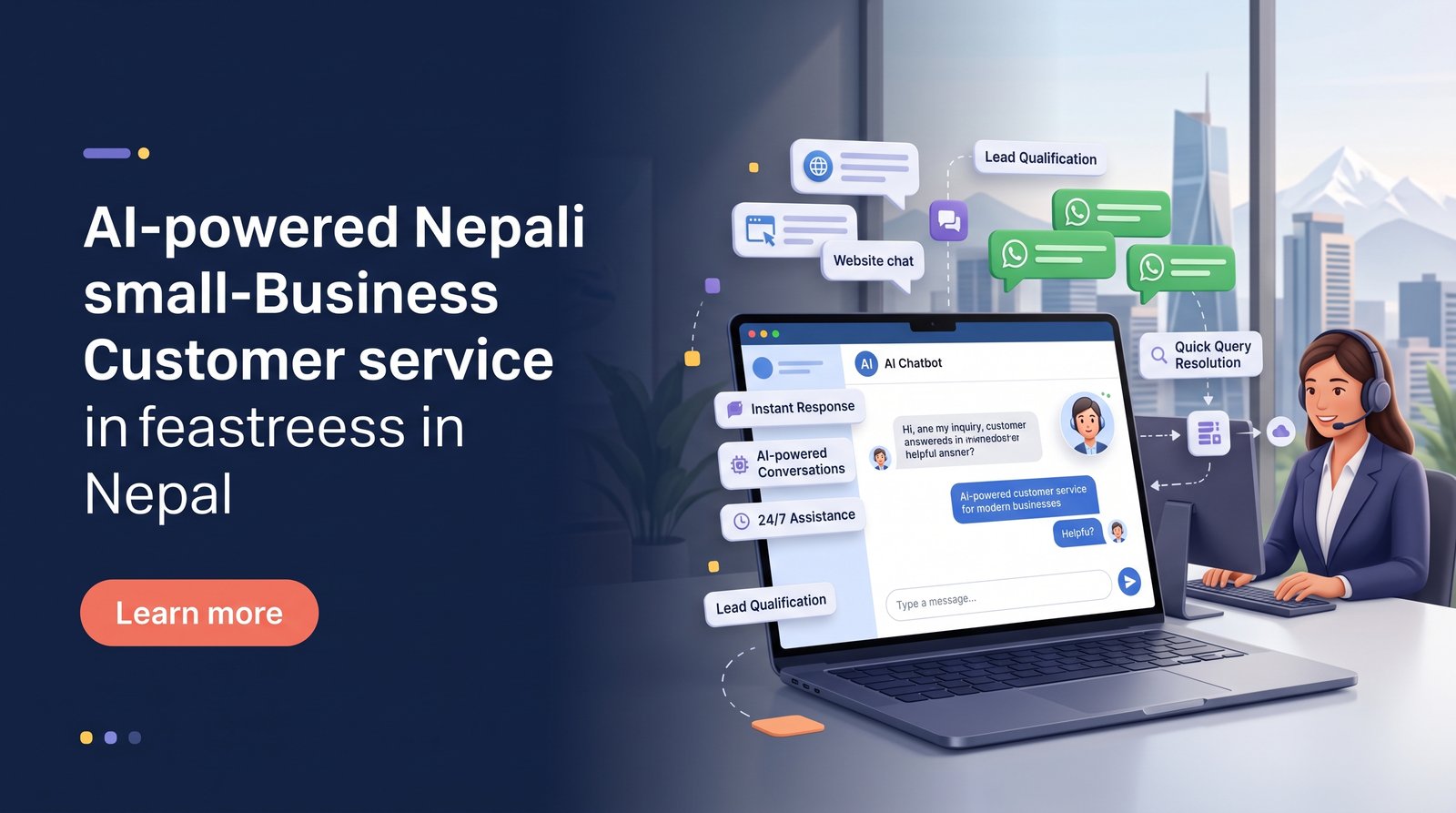
- Make WhatsApp Easy to Access
For businesses that already receive enquiries through WhatsApp, connecting the website to WhatsApp can remove friction.
Instead of asking users to copy a phone number and manually open WhatsApp, provide a clear button such as:
- Chat with us on WhatsApp
The customer should understand what will happen when they click it.
Businesses can also use automated greetings or structured workflows where appropriate.
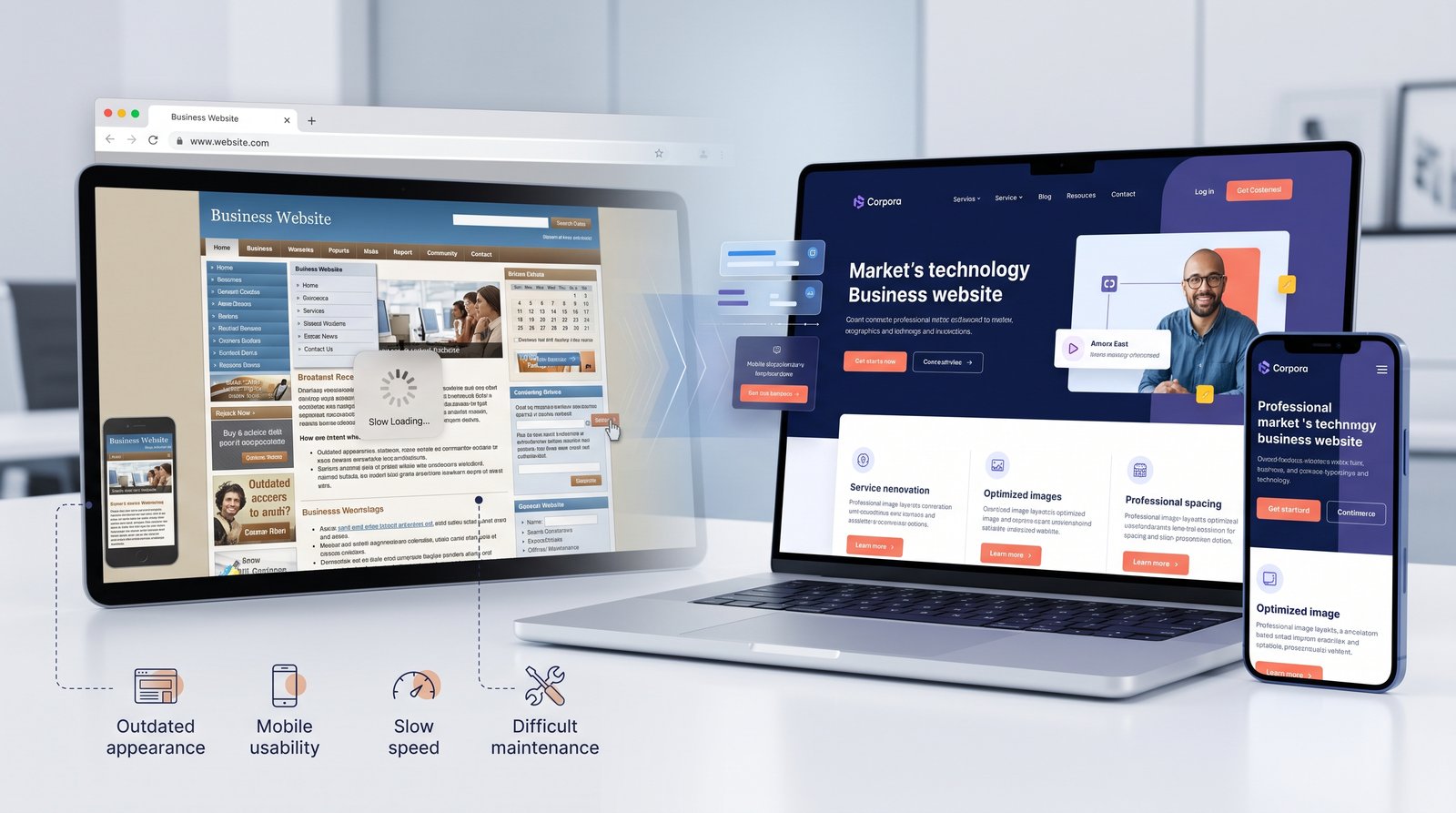
- Make the Website Mobile-Friendly
A visitor using a phone should have the same ability to understand the business and take action as someone using a desktop.
- Check:
- Button sizes
- Text readability
- Navigation
- Form fields
- Page loading
- Image sizing
- Sticky contact options
Avoid making visitors pinch, zoom, or scroll excessively just to complete a simple action.
- Improve Page Speed
Slow websites can create friction before someone even reaches the contact form.
- Common causes include:
- Large images
- Unnecessary scripts
- Poorly optimized code
- Too many third-party tools
- Unoptimized fonts and assets
A fast website creates a smoother experience and can support the overall performance of your digital marketing efforts.
- Match the Landing Page to the Campaign
If someone clicks an advertisement about a specific service, do not automatically send them to a generic homepage.
- For example:
- Ad: Website Redesign
- ↓
- Website Redesign Landing Page
- ↓
- Request Consultation
- This is usually a clearer journey than:
- Ad
- ↓
- Homepage
- ↓
- Services
- ↓
- Find Website Redesign
- ↓
- Contact
A focused landing page allows the visitor to continue from the exact promise that brought them to the website.
- Use Content to Answer Buying Questions
Not every visitor is ready to contact you immediately.
Useful content can help people move closer to a decision.
- For example:
- Pricing guides
- Comparisons
- FAQs
How-to articles
- Case studies
- Checklists
- Industry guides
Someone searching for information today may become a lead later.
This is one reason a business blog can support lead generation even when an article does not directly produce a contact form submission.
- Measure What Happens After the Click
A website should be evaluated using meaningful actions.
- Track:
- Contact form submissions
- Calls
WhatsApp conversations
- Bookings
- Quote requests
- Lead quality
- Conversion rate
A page receiving 5,000 visitors but producing almost no enquiries may need more attention than a page receiving 500 visitors and generating consistent qualified leads.
Traffic matters, but what visitors do matters more.
- Common Website Lead Generation Mistakes
- Too Many CTAs
If every section says something different, visitors may not know which action matters most.
- Generic Content
A homepage that could describe any company rarely gives people a strong reason to contact the business.
- Complicated Forms
Asking for unnecessary information can reduce completion rates.
- Weak Mobile Experience
A beautiful desktop website can still lose leads if the mobile version is difficult to use.
- No Follow-Up Process
Generating a lead is only the beginning. A business needs a reliable process for responding and following up.
- A Simple Lead-Generation Website Structure
- A practical structure can be:
- Clear Homepage
- ↓
- Focused Service Page
- ↓
- Trust / Proof
- ↓
- Useful Information
- ↓
- Strong CTA
- ↓
- Simple Contact or WhatsApp Action
This does not have to be complicated.
The goal is to reduce uncertainty and make the next step easy.
Frequently Asked Questions
Yes. A simple website can generate leads when it clearly explains the offer, builds trust, and gives visitors an easy way to take action.
There is no fixed number. Important pages can include relevant CTAs or forms, but every page does not need a separate form.
It can be, particularly for businesses whose customers prefer messaging. A clear WhatsApp CTA can reduce friction between website discovery and conversation.
Not necessarily. Chat is useful when a business can respond effectively and when its customers benefit from real-time or automated assistance.
Track actions such as enquiries, calls, bookings, and qualified leads rather than measuring traffic alone.
Final Thoughts
Generating leads from a website is not about adding more buttons or pop-ups.
It is about creating a clear customer journey.
A visitor should quickly understand what the business offers, find evidence that they can trust it, get answers to important questions, and know exactly what to do next.
When those pieces work together, a website becomes more than an online brochure. It becomes a practical tool for starting business conversations.